
НАПРАВЛЕНИЕAldom Network
Частная сеть и управление
Два связанных приложения: клиент для подключения и центр управления инфраструктурой.
Перейти к Aldom Network
ALDOM
ALDOM объединяет самостоятельные продукты для личного семейного общения, хранения фото и файлов, подключения к частной сети и управления собственной инфраструктурой.
Messenger, Drive и Network имеют собственный характер и навигацию, но остаются равноправными частями ALDOM.

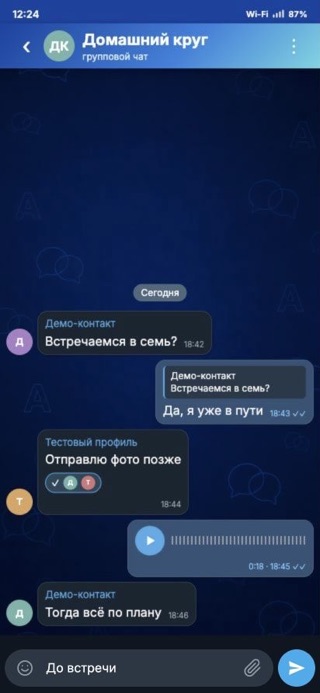
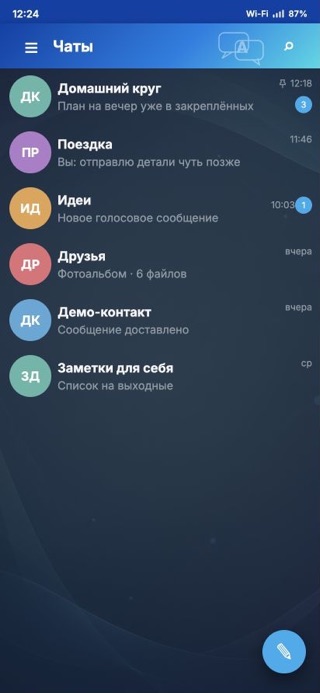
Личные и групповые чаты, звонки и обмен файлами для ограниченного круга семьи и близких. Свободной регистрации нет.
Перейти к Messenger
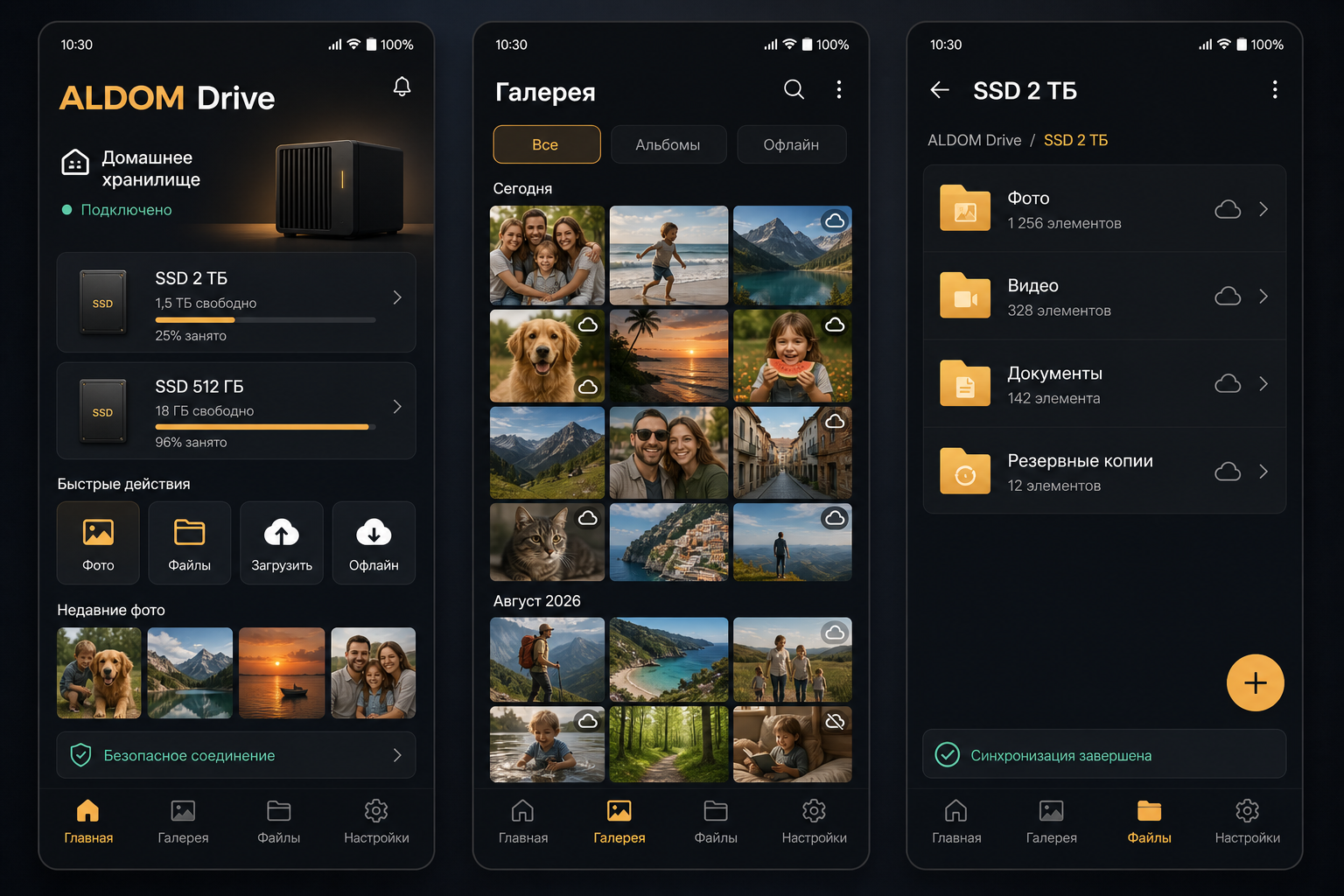
Фото, видео и файлы остаются на вашем хранилище, а на телефоне доступны как привычная галерея — с автозагрузкой и офлайн-доступом.
Открыть Aldom Drive
Два связанных приложения: клиент для подключения и центр управления инфраструктурой.
Перейти к Aldom NetworkПродукты рассчитаны на конкретных людей, устройства и инфраструктуру — без публичной витрины.
Каждый продукт решает свою задачу и честно описывает доступные механизмы защиты.
Связь, хранение, сеть и управление собраны вокруг инфраструктуры, которую контролирует владелец.
Подробности, загрузки и история изменений находятся на странице каждого продукта.